
Making Leaflet polylines easier to click on mobile
Leaflet polylines have a frustratingly narrow clickable region. When building interactive maps where users need to tap or click on routes, this becomes a poor user experience. It's also particularly noticeable on mobile devices.
I ran into this while working on my London Marathon fundraising site where clicking on individual route segments was a central feature to the application - on mobile, I would often have to tap multiple times before the event handler registered.
I also noticed this was an issue on StatsHunters, a popular Strava stats app which uses Leaflet to produce its user heatmap.
Plotting lines on Leaflet using Polylines
Within Leaflet, if you wish to display a line which isn't a simple straight line, then the best component to use is <Polyline />. Here is an example of how this is used in the fundraising site I mentioned previously:
<Polyline
  pathOptions={{ color, weight: 4 }}
  positions={coords.map(({ lat, lon }) => [lat, lon])}
  eventHandlers={{
    click: () => (handlePolylineClick != null ? handlePolylineClick() : null),
  }}
/>
The issue is that we want the polylines to be reasonably small. In most cases, no wider than a street or road. Therefore, weight is set to 4px. However, this makes the clickable region of the polyline very narrow. Hard to click on a desktop, and even harder on a mobile device.
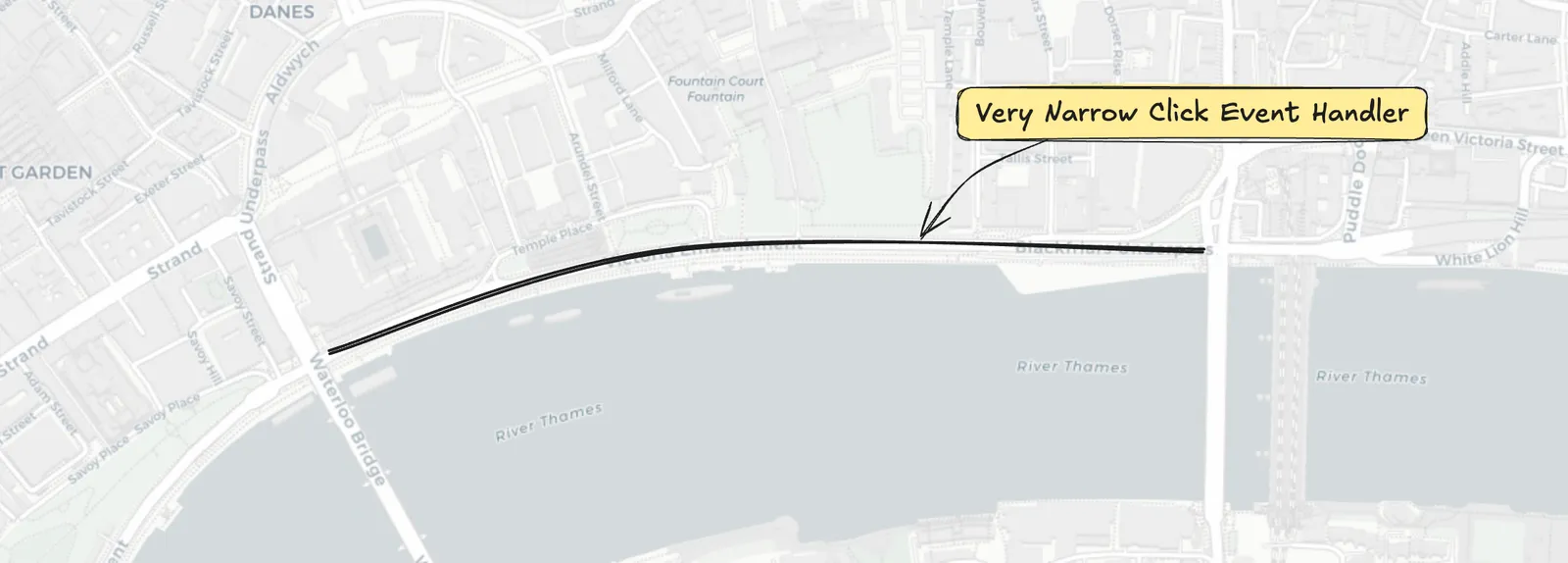
Why not just increase the weight?
You might be wondering why we don't just increase the weight from 4px to something much larger. However, a 4px line better represents the width of a road or path on the map. Increasing that would look unrealistic as a running route.
Using (Semi)-Transparent Clickable Polylines
To solve this problem, I introduced a 2nd set of polylines which follow the same route as the first set. These polylines will apply the same click event handlers, however are much wider and are transparent.
This way, if the user misses the polyline they are aiming to tap/click on, they will instead hit the transparent polyline behind, and still trigger the event.
The semi-transparent polyline uses a wide weight of 20px. You can use a fully transparent colour here, though I opted for a very faint tint as I liked the subtle visual effect it provided.
Here is how this looks in the code:
{/* Semi-transparent polyline - thick weight, high transparency */}
<Polyline
  pathOptions={{ color: 'rgba(0, 0, 0, 0.1)', weight: 20 }}
  positions={coords.map(({ lat, lon }) => [lat, lon])}
  eventHandlers={{
    click: () => (handlePolylineClick != null ? handlePolylineClick() : null),
  }}
/>

{/* Original polyline - thin weight */}
<Polyline
  pathOptions={{ color, weight: 4 }}
  positions={coords.map(({ lat, lon }) => [lat, lon])}
  eventHandlers={{
    click: () => (handlePolylineClick != null ? handlePolylineClick() : null),
  }}
/>
The combination of these polylines strikes the balance of good visuals, with great UX:
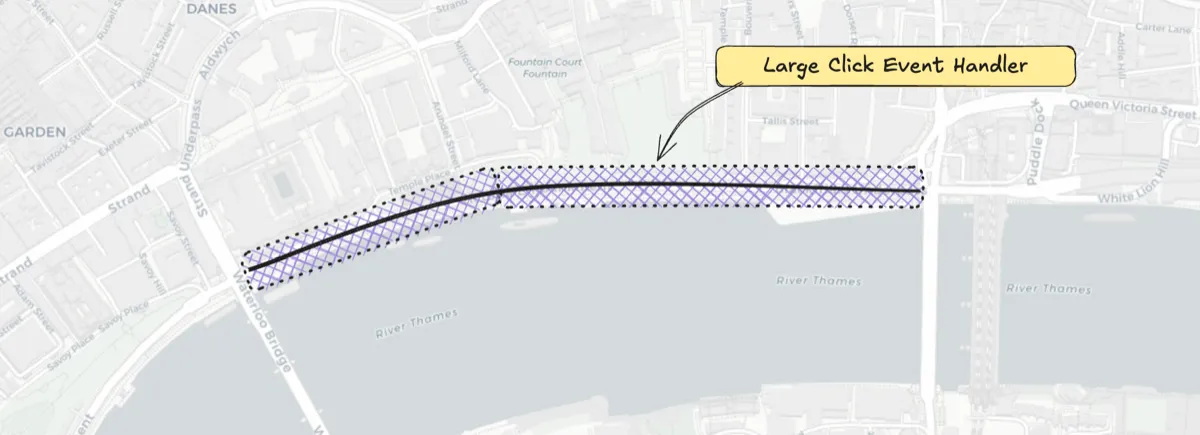
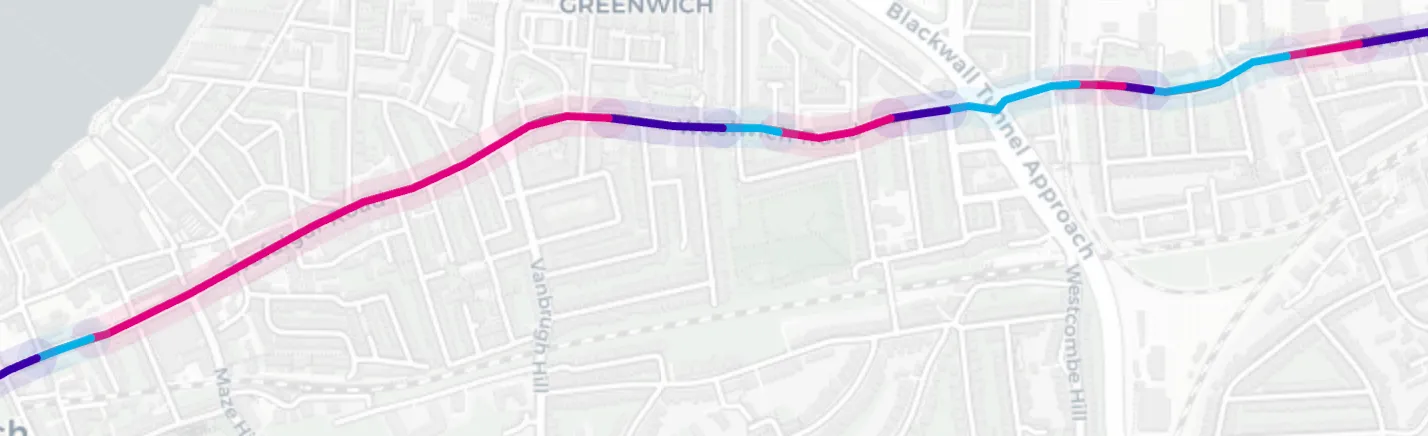
And here is an example how this looks on the London Marathon fundraising site:
Live Demos
An isolated demo application is available to see here, showing the difference with and without the polyline fix:
- Live demo: https://leaflet-clickable-polyline.curtiscode.dev
- GitHub repo: https://github.com/curtiscde/leaflet-clickable-polyline
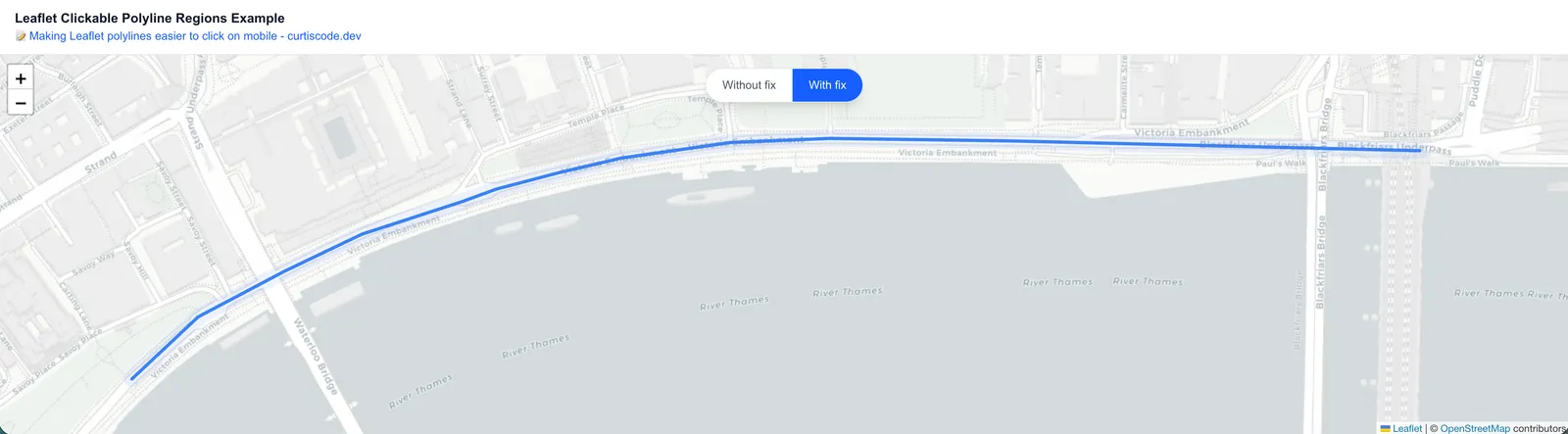
You can also see this in action on the live London Marathon fundraising website:
https://londonmarathon.curtiscode.dev
If you have any questions or comments, please feel free to leave them in the discussions box below!


